Create your account
Register at app.beanspell.com. The service is free during early access, and no credit card is required.
BeanSpell gives your AI assistant the tools to build the site. Create an account, connect the MCP server, then ask the AI to create, preview, edit, and publish your website.
No credit card is required during early access. You need an AI assistant that supports MCP connectors.BeanSpell is used through an MCP-compatible AI assistant. There is no separate visual website editor.
Register at app.beanspell.com. The service is free during early access, and no credit card is required.
In ChatGPT, Claude, Mistral, or another compatible tool, add https://app.beanspell.com/mcp as a custom connector and sign in.
Ask the AI to create your site. It builds a draft and shows previews. Request changes in the conversation, then publish when ready.
No visual editor to master. The conversation is the interface.
BeanSpell builds two things well: a brochure site that presents your business, and a blog that publishes ongoing content. Most businesses need one. Some need both — and either can grow into the other later.
Need to sell or take bookings? Most businesses embed a third-party tool — Shopify Buy Button, Snipcart, or Calendly — right into their BeanSpell site.
Menu, services, story, hours, location, contact. Everything a visitor needs to decide and reach you.
Dated posts with tags, search, and automatic pagination — for recipes, case studies, or company updates.
A brochure site with a blog attached. Most content-heavy businesses end up here eventually.
Your AI assistant handles the conversation. BeanSpell stores the site, builds previews, applies changes, and publishes it.
The AI calls BeanSpell tools to create pages and sections, set the design, and add copy and images — then reviews desktop and mobile screenshots as it goes, so what you get works on any screen, not just one.
Preview every draft before publishing. Keep several versions of your site and compare them side by side to decide which one to continue with.
Or connect your own domain when you're ready.
BeanSpell resizes and compresses images automatically, and you can search Unsplash for professional stock photos right in the conversation.
Add articles, recipes, or case studies as multiple pages with categories — and let visitors search them directly on your site.
Add teammates to an organisation, assign roles, and switch between your personal account and any organisation you belong to — useful the moment more than one person needs to manage a site.
Every page ships with proper metadata, a sitemap, structured business data, a custom favicon, and a social preview image — done automatically.
Privacy-friendly analytics show visits and popular pages after you publish. No advertising trackers, no cookie banner required.
From a local bakery to a searchable recipe blog—every site is designed for the business, not selected from a template.
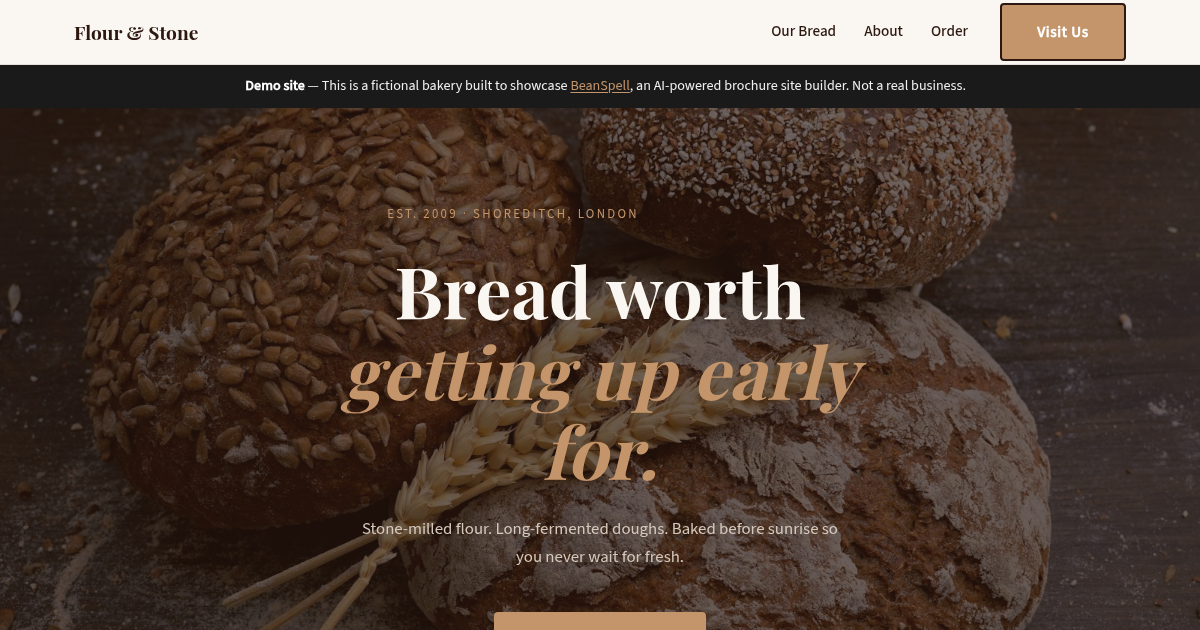
A warm, image-led site with products, story, testimonials, and contact details.
Visit site →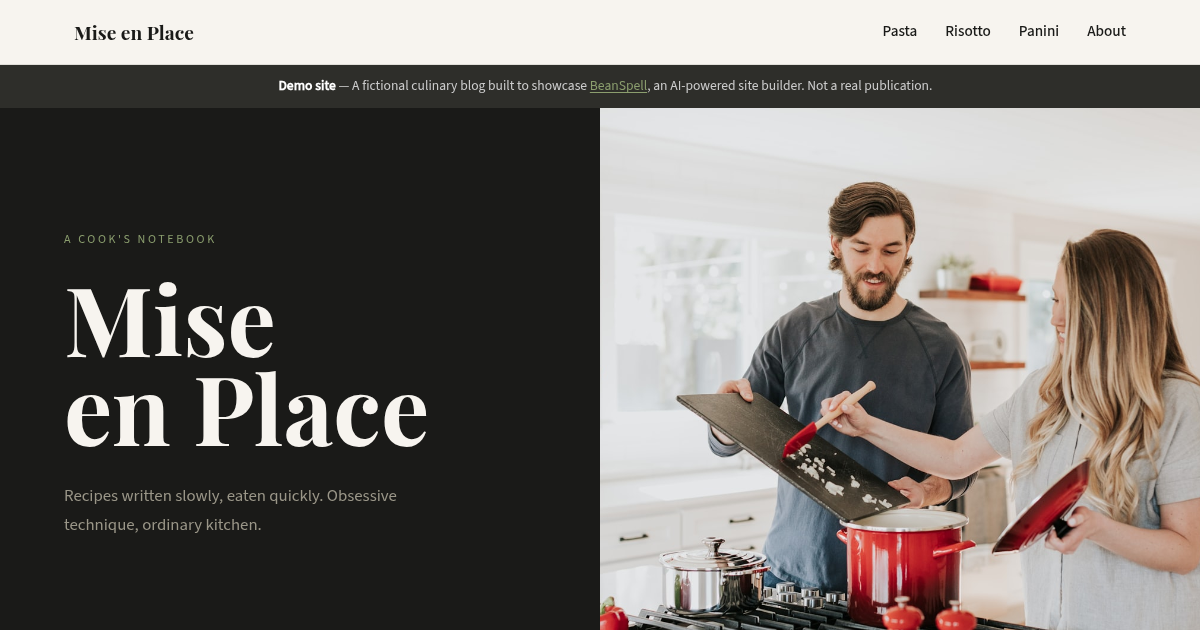
A searchable culinary blog with tagged categories, thumbnails, and individual recipe pages.
Visit site →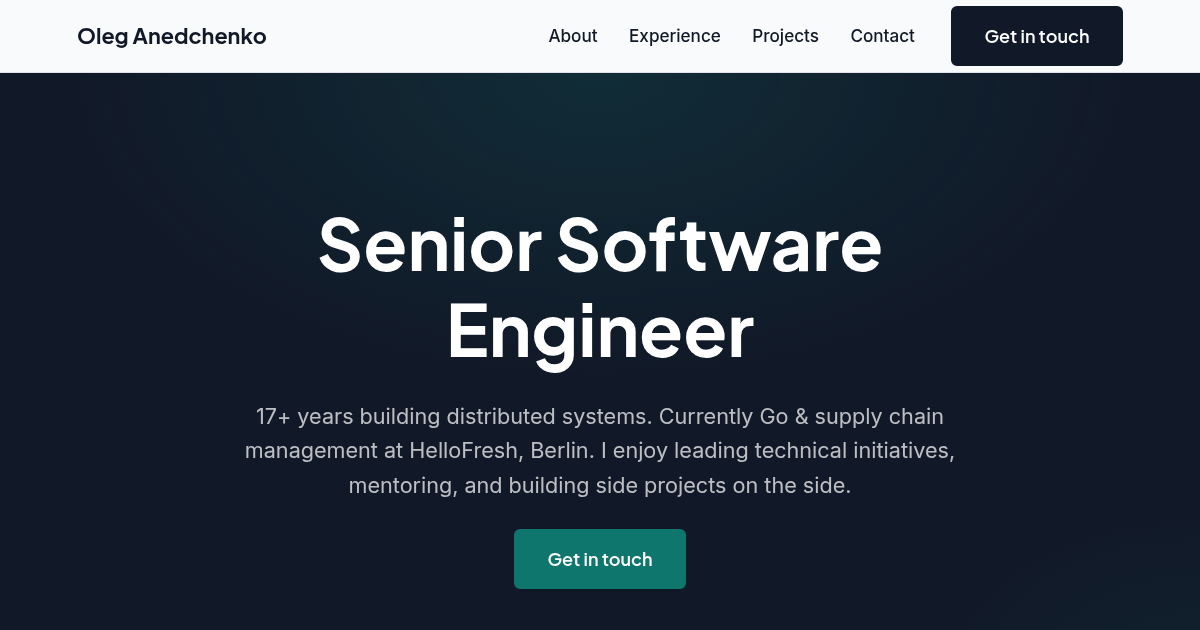
A clean professional profile with experience, skills, projects, and contact information.
Visit site →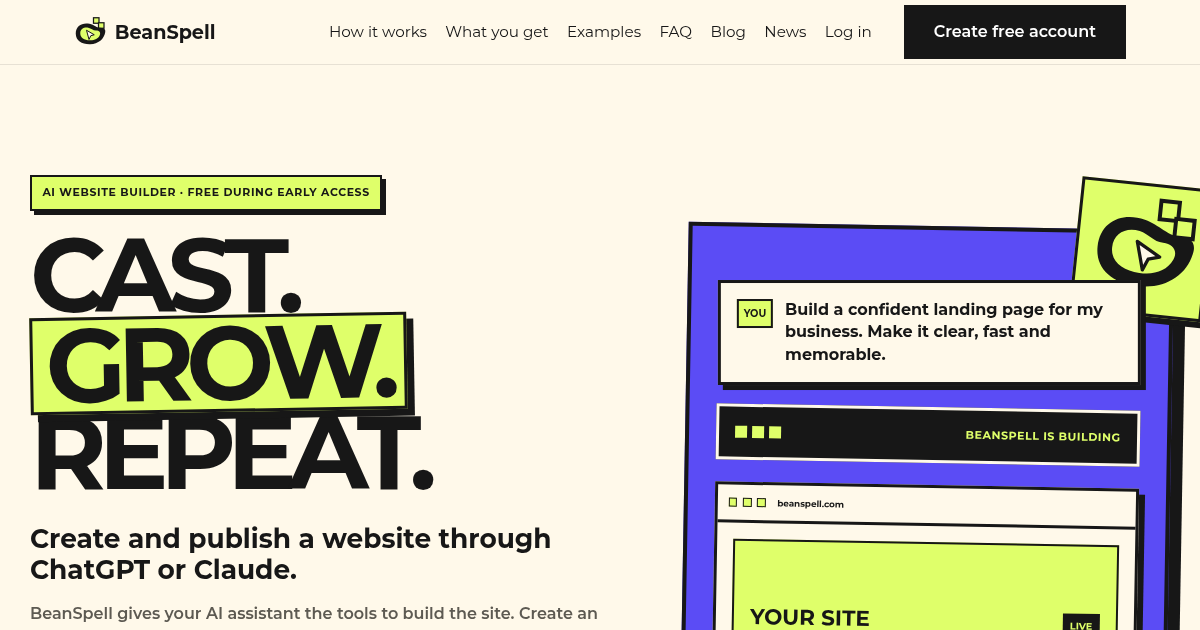
Yes—this very landing page was created and is maintained with BeanSpell.
You are already here ↑Everything you need to know before you start building.
No. You describe your business in conversation and the AI makes every design decision for you. It picks colours, fonts, and layout to match your type of business—a restaurant might get a warm, photography-led look with an editorial serif typeface, while a fitness studio gets bold, energetic type and a bright accent colour. You can ask for changes, but you never touch code or a visual editor.
Any AI assistant that supports MCP connectors, including ChatGPT, Claude, and Mistral. Add https://app.beanspell.com/mcp as a custom connector once, then build and manage your site through that conversation.
That’s normal—you don’t need a clear vision to start. Your AI assistant makes design choices based on your type of business, and you can course-correct from there. It also helps to share an example: a competitor’s site, or any site whose style you like, and the assistant will use it as a reference point.
Nothing goes live until you say so. Every change stays in a draft you can preview on desktop and mobile. Ask your AI assistant for revisions in plain language, and publish only when you’re happy with it.
Just ask your AI assistant. Every change—content, images, new sections—goes into a draft first. Review it in preview, then republish whenever you’re ready. There’s no limit on how often you can update your site.
You can create a new draft version without touching what’s live. Ask your AI assistant to try a new direction, review it in preview, and either publish it or go back to the version you had before—your live site stays untouched until you decide.
Yes. Every site gets a free beanspell.site subdomain to start, and you can connect your own domain whenever you’re ready—your assistant will walk you through the DNS steps.
You don’t need one. Every site gets a free beanspell.site subdomain, which works permanently—connecting your own domain later is entirely optional.
Not yet. BeanSpell is built for informational brochure sites—menus, services, portfolios, contact details—not checkout or e-commerce. Most businesses link out to an existing booking or ordering tool instead.
We handle that automatically. The moment you publish, BeanSpell submits your sitemap to Google Search Console and pings the IndexNow API, used by Bing and other search engines, so indexing starts right away. Every page also includes proper metadata and structured business data so search engines can read your site correctly.
Sites use privacy-friendly, self-hosted analytics with no advertising trackers and no cookie banner required, so you get visit and page data without compromising visitor privacy.
Nothing right now—BeanSpell is free during early access, no credit card required. Paid plans launch once early access ends; see our pricing page for the plans we're building toward. Existing users always get at least three months' notice before a pricing change affects their account.
Create an account, connect ChatGPT, Claude, or Mistral, and start talking your site into existence. Review every draft before anything goes live.
No credit card is required during early access. You will need an AI assistant that supports custom MCP connectors.